Switching from Nordic IPTV: A Checklist for Nordic Sport and TV
Leaving Nordic IPTV? This checklist helps you test a new service on what Scandinavian viewers really care about: weekend winter sports, handball, football, live-sport delay, the TV guide and language options for films and series.
by Devora TV Team, Technical support & editorialPublished on 2 min read

For Scandinavian viewers, TV revolves around a few fixed moments: the winter sports weekend, a handball tournament in January, the Sunday derby. When you move from Nordic IPTV to another service, you mainly want those moments to work.
This guide doesn't judge Nordic IPTV. It gives you a test plan that fits what Scandinavian viewers actually watch, so within a few days you know whether a new service is good enough.
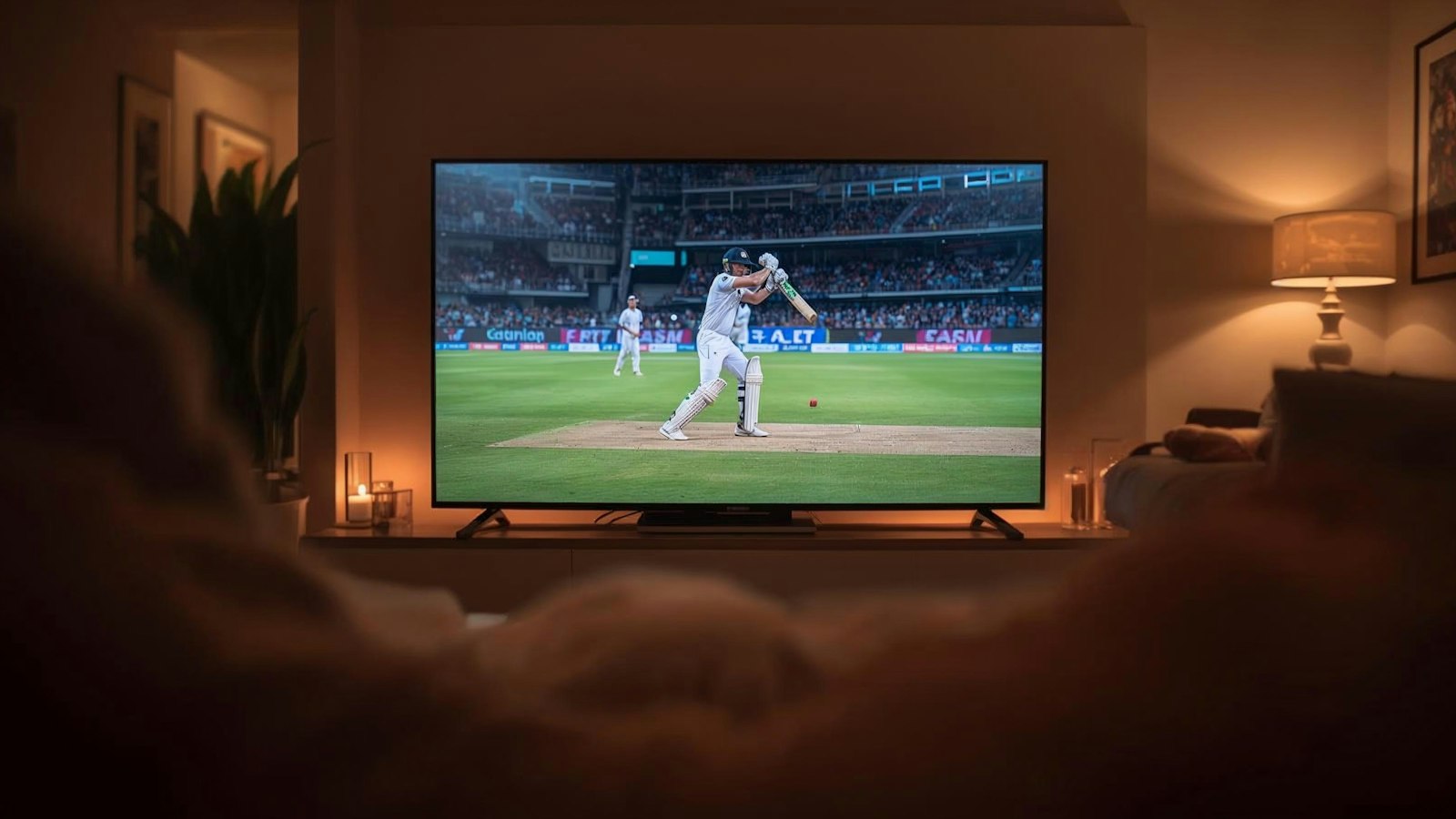
Check 1: your channels per country
Write down which Danish, Norwegian or Swedish channels you really watch: public channels, commercial channels and sports channels. Check them one by one during the free trial.
Check 2: a sports weekend
Plan your test for a weekend with lots of live sport:
- Winter sports on Saturday and Sunday mornings.
- Football on Sunday afternoon.
- Ice hockey or handball on a weekday evening.
Watch each event for at least half an hour without zapping away.
Check 3: live-sport delay
Every stream runs a few seconds behind the broadcast. That's normal. Worth knowing: if your neighbours or your phone announce a goal first, switch off sports app notifications during the match.
Check 4: the TV guide
Scandinavia and most of Western Europe share a time zone, so the EPG should run on time. Open the guide for your main channels and check it's right.
Check 5: language for films and series
In an on-demand library, many titles have several audio tracks or subtitles. Check that Danish, Norwegian or Swedish subtitles are available for the titles you want to watch.
Check 6: several screens
Does the family watch on several TVs at once, for example winter sports in the living room and cartoons in the bedroom? Ask how many connections your plan includes.
Common questions
Can I keep my current app?
Usually yes. With Xtream Codes or M3U, a new service works in TiviMate, IPTV Smarters and most other apps.
Why is live sport a few seconds behind?
Because a stream is buffered to stay stable. A few seconds is normal.
How long should I test?
A sports weekend gives the best picture. A 24-hour test on a busy day already shows a lot.
Move to Devora TV
Devora TV gives you 50,000+ live channels and 200,000+ films and series, with full EPG and catch-up. Your M3U and Xtream Codes details arrive in your welcome email. Start with a 24-hour free trial, work through the checklist, then choose €12.99 per month or €79.99 per year. Our support team helps you 24/7.
Updated on


