Family IPTV in Belgium and the Netherlands: One Subscription for the Whole Home
One IPTV subscription for the whole family, from Flemish and Dutch channels to cartoons and sport. Here's how to sort out screens, internet, favourites per person and a parental lock, and how to keep it affordable.
by Devora TV Team, Technical support & editorialPublished on 3 min read

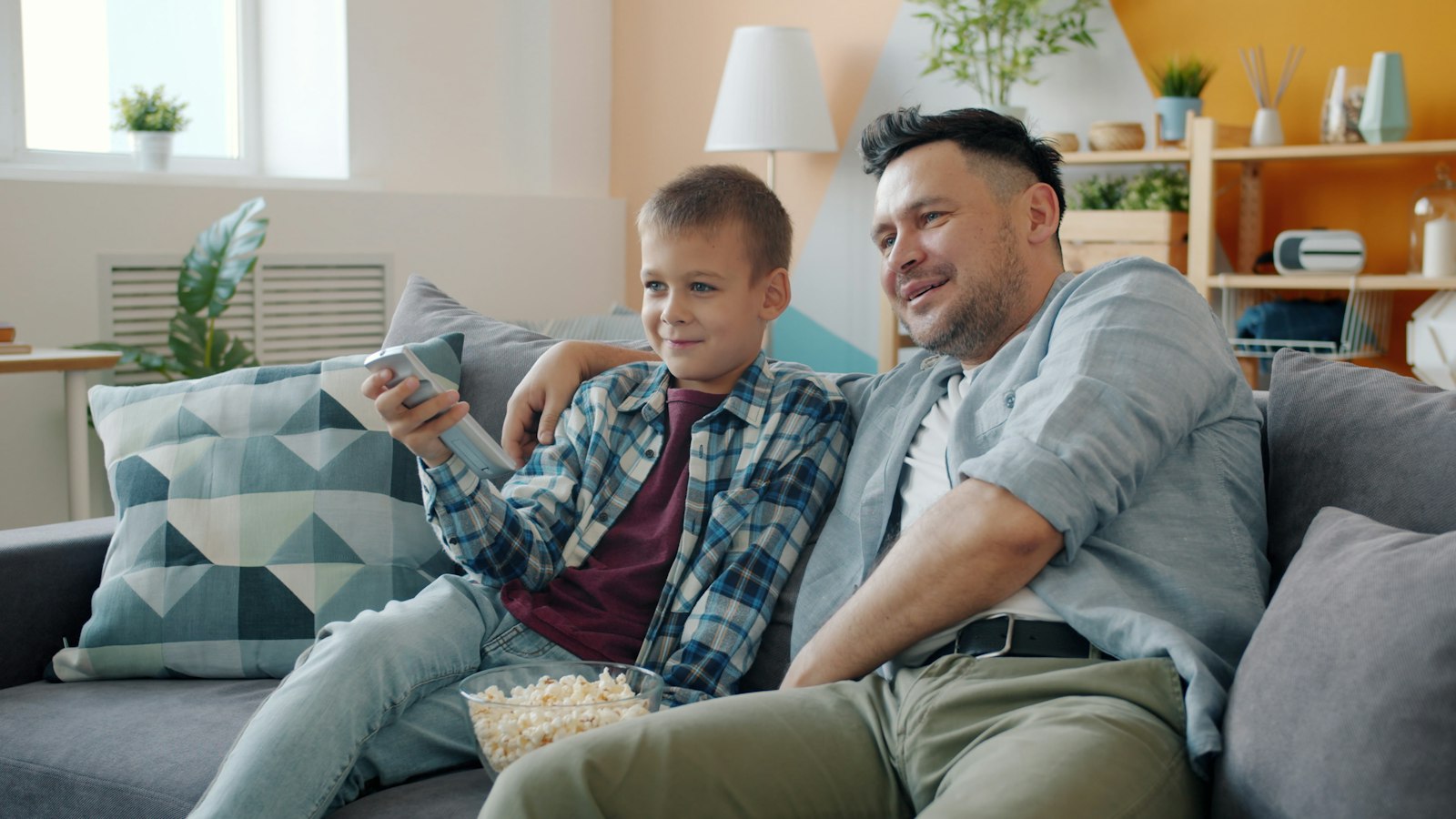
In many Belgian and Dutch families, everyone watches something different. One parent wants the news and the football, the other a series, the kids want cartoons and the teenager something on a tablet. In bilingual or international families there's an extra language on top. With family IPTV you handle all of it with one subscription.
This guide shows you how to set it up smartly: how many screens you need, what your internet can handle, how everyone gets their own favourites and how the kids can watch safely.
Step 1: count your screens
Write down where in the house people watch, and when:
- Living room: usually the Smart TV or a Fire TV Stick.
- Bedroom or attic: a second TV with a stick.
- Tablets and phones: on the go or in bed.
What matters isn't how many devices you own, but how many watch at the same time. On a busy Sunday evening that's often two or three. Ask your provider how many simultaneous connections your plan allows.
Step 2: check your internet
For each screen watching at the same time, count:
- about 10 Mbit/s for HD;
- about 25 Mbit/s for 4K.
Three HD screens therefore need about 30 Mbit/s. Most Belgian and Dutch internet plans handle that easily, but Wi-Fi upstairs often doesn't. A mesh Wi-Fi system or a powerline adapter helps.
Step 3: give everyone their own favourites
Nobody wants to scroll through 50,000 channels. Keep it clear:
- Create favourite lists per person in your IPTV app, for example "Dad", "Mum" and "Kids".
- Hide channel groups nobody watches.
- Put the most-used list first, so the TV starts in the right place.
In bilingual families, you can make separate lists for Dutch-language and French-language channels.
Step 4: let the kids watch safely
Most IPTV apps, such as TiviMate and IPTV Smarters, have parental controls with a PIN. Here's how to set them up:
- Open your app's settings and choose parental control or child lock.
- Set a PIN the children don't know.
- Block the channel groups and categories that aren't suitable.
- Make a separate favourites list for the kids with their channels and cartoons.
Step 5: keep it affordable
One IPTV subscription for the whole home is often cheaper than a traditional TV package with extra boxes. Work it out per household: at Devora TV a yearly plan costs €79.99, about €6.67 per month for the whole household, with live TV, sport and 200,000+ films and series.
Common questions
Can we watch on different TVs at the same time?
That depends on the number of connections in your plan. Ask us during the free trial and we'll advise what suits your family.
Does family IPTV work with Flemish, Walloon and Dutch channels?
During the free trial, check that every family member's channels are included. Then you know for sure before you pay.
Can the kids find their own cartoons?
Yes. Make a separate favourites list for the children and use the on-demand library of films and series.
Try Devora TV with the whole family
Test it for an evening with everyone at home. Devora TV gives you 50,000+ live channels and 200,000+ films and series, with full EPG and catch-up. Start with a 24-hour free trial, then choose €12.99 per month or €79.99 per year. Our support team helps you 24/7 with favourites and the parental lock.
Updated on


